
Most car shoppers don’t start with your dealership’s name. They start with a vehicle, a budget, and a place: “used trucks near me,” “SUVs under $20k in Wexford,” “buy here pay here Pittsburgh.” Car dealership SEO is the work of making sure your store shows up when those searches happen.
The good news for independent dealers is that local search isn’t won by the biggest ad budget. Google shows nearby businesses for nearby searches, so a well-run used car lot can hold its own against much larger stores in its own market.
This guide covers the five things that matter most: your Google Business Profile, your inventory pages, local pages for the towns around you, reviews, and site speed. None of it requires a marketing department. Most of it just requires doing the basics consistently.
How search works for a dealership
When someone searches for a car nearby, Google usually shows two kinds of results:
- The map results (often called the local pack). These come from Google Business Profiles, and they’re ranked largely on how relevant you are to the search, how close you are to the person searching, and how well known and well reviewed you are.
- The regular results below the map. These are pages on websites: your homepage, your inventory, and any pages you’ve written about the vehicles, financing, and towns you serve.
A good dealership SEO plan works on both. Your Google Business Profile gets you into the map near your lot. Your website gets you into the regular results, including for searches in towns where you don’t have an address.
1. Get your Google Business Profile right
For most independent dealers, the Google Business Profile is the single most valuable listing they have. It’s free, and it’s often the first thing a local shopper sees.
Start with the essentials:
- Claim and verify the profile. If someone else set it up years ago, request ownership so you control it.
- Choose the right primary category. “Used car dealer” is the right choice for most independent stores. Add secondary categories only if they describe what you actually do, such as “Car finance and loan company” if you offer in-house financing.
- Use your real business name. Adding keywords to your name (“Smith Motors Used Cars Trucks Pittsburgh”) is against Google’s guidelines and can get a profile suspended.
- Keep your hours accurate, including holidays and early closes. A shopper who drives over and finds a locked gate rarely comes back.
- Match your name, address, and phone number everywhere they appear: your website, Facebook, your listing sites, and directories. Inconsistent details make it harder for Google to trust which one is right.
- Link to your website so shoppers who find you in the map can browse your inventory.
Then keep it active. Add real photos of your lot, your building, your team, and the vehicles that just arrived. Use posts for things shoppers care about, such as a new batch of trucks or a financing option. Answer messages if you turn them on. A profile that looks cared for gives shoppers confidence before they ever call. For a step-by-step walkthrough, including Google’s rules for dealership department profiles, see our Google Business Profile guide for car dealers.
2. Make every vehicle its own page
Your inventory is the most useful content you have, and it changes every week. Each vehicle you list is a page that can match a specific search, like “2019 Ford F-150 XLT Pittsburgh.” That only works if search engines can actually find and read those pages.
Check these on your own website:
- Every vehicle has its own page with its own web address. If your inventory loads inside a third-party frame or widget, search engines may see none of it.
- The page title says what the vehicle is. Year, make, model, and trim, plus your dealership name or city, is a solid pattern.
- The photos are yours. Real photos of the actual vehicle, from several angles, do more than stock images ever will.
- The description says something. A list of options from your data feed is the same list every other site has. A few sentences about condition, history, and who the vehicle suits make the page more useful to shoppers and more distinct to search engines. Tools like AI vehicle descriptions can give you a starting point to edit.
- Price, mileage, and key details are visible on the page, not hidden behind a form.
Sold vehicles need a plan too. Removing hundreds of pages at once, or leaving sold cars up as if they’re available, frustrates shoppers. A clear “sold” state that points to similar vehicles in stock keeps the visit useful.
Keeping all of this accurate is much easier when your website and your inventory come from the same place. That’s part of why Dealer Shock pairs your website with inventory management that keeps your listings in sync.
3. Build local pages for the towns you serve
Your Google Business Profile is tied to one address, and the map results favor businesses close to the person searching. That means your profile does its best work near your lot and fades the farther a shopper is from it.
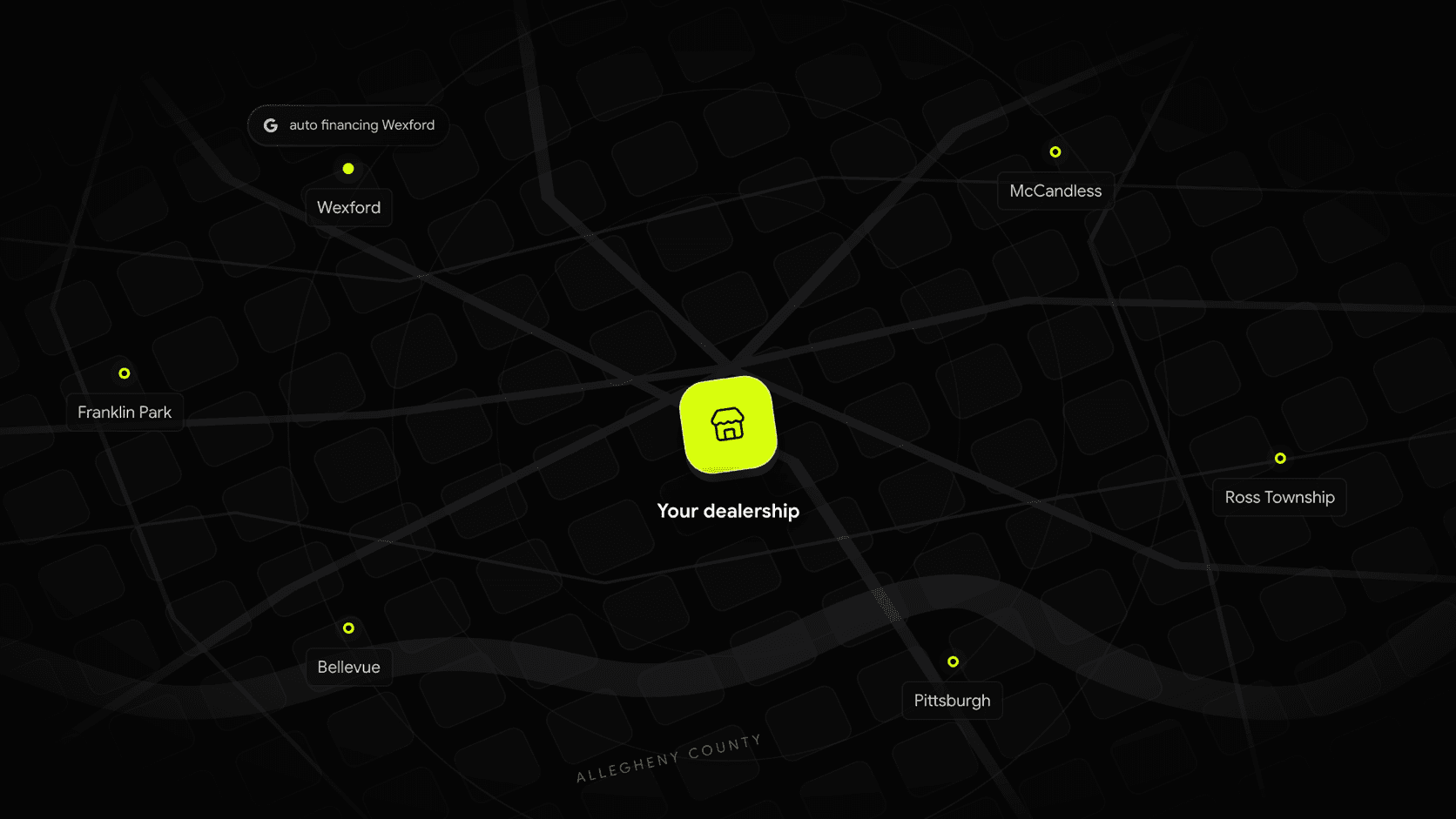
Yet plenty of your customers live one or two towns over. Local pages are how your website reaches them. These are pages built around a specific place and a specific need: used cars near Pittsburgh, used trucks in Ross Township, auto financing near Wexford.
What separates a helpful local page from a useless one:
- It’s genuinely about that place and that need. Which vehicles do people there tend to shop for? How far is the drive, and which way do they come? What financing options matter to them?
- It connects to real inventory. A page about used trucks should lead to the trucks you have in stock.
- It’s honest about where you are. Don’t imply you have a location in a town where you don’t. Say where your dealership is, and why it’s worth the drive.
- It isn’t a copy with the town name swapped. Dozens of near-identical pages are exactly what Google’s spam policies describe as doorway pages. A few strong pages beat fifty thin ones.
Start with the towns your customers already come from. Your sales records will tell you more than any keyword tool.
This is the job Local Reach Pages were built for. They pair the vehicles, financing, and services you offer with the nearby places shoppers search, as part of your Dealer Shock website, so expanding your local presence doesn’t turn into a writing project for your team.
4. Earn reviews steadily, and answer them
Reviews influence where you show up in the map and whether a shopper clicks once you do. A dealership with a steady stream of recent reviews looks open, busy, and trustworthy. One with a handful from three years ago looks like a gamble.
A simple routine works better than an occasional push:
- Ask every buyer, ideally at delivery when they’re happiest. A text with a direct link to your review page makes it easy to do on the spot.
- Ask everyone the same way. Don’t only ask the customers you think will be happy, and don’t offer discounts or gifts in exchange for reviews. Both go against Google’s policies, and fake or incentivized reviews can also run afoul of the FTC’s rules on consumer reviews.
- Reply to every review. Thank people for good ones by name. For bad ones, respond calmly, acknowledge the issue, and offer to talk it through offline. Future shoppers read your replies as closely as the reviews themselves.
- Never buy reviews or post your own. Google removes them, and it can penalize the profile.
5. Make your site fast, especially on phones
Most car shopping happens on a phone, often in short bursts. A slow page loses that shopper to the next result, and Google takes page experience into account as well.
The usual culprits on dealer websites are easy to spot:
- Huge photos. Vehicle photos straight from the camera can be several megabytes each. They should be resized and compressed for the web.
- Too many add-ons. Every chat widget, pop-up, tracking script, and trade-in tool adds weight. Keep the ones that earn their place.
- Heavy sliders and autoplay video at the top of the homepage that push your inventory below the fold.
Run your homepage and a vehicle page through Google’s free PageSpeed Insights tool, and look at the mobile results first. Then try your own site on your phone, over cellular, the way a shopper would. If it feels slow to you, it feels slow to them.
Dealer Shock websites are built to be fast and mobile-first, so quick pages are the starting point rather than a cleanup project.
A few basics that support everything else
- Set up Google Search Console for your website. It’s free, it shows which searches you appear for, and it tells you when Google can’t find or read your pages.
- Give each page a clear title and description that says what’s on it, written for a person rather than stuffed with keywords.
- Keep one website. Separate sites for financing, trucks, or a second brand split your effort. Pages on one strong site usually do better.
- Be patient. SEO builds over months, not days. The work you do now keeps paying off long after it’s done.
Doing it yourself vs. hiring car dealership SEO services
Plenty of independent dealers handle their Google Business Profile and reviews in-house, and they should: nobody knows your store better. The harder parts to keep up with are the website itself, the inventory pages, and the steady content work of local pages.
If you’re comparing automotive SEO agencies or providers, a few questions help:
- Who owns the website and the content if you leave?
- What exactly will they build or change, and how often?
- How will they report results? Search Console data is a good sign. Vague “visibility scores” are not.
- Do they promise a #1 ranking? No one can guarantee a position in Google. Treat that promise as a warning.
Where Dealer Shock fits
Dealer Shock builds websites for independent dealers with search in mind from the start: fast, mobile-friendly pages, inventory that stays in sync, and Local Reach Pages that help you show up for the vehicles, financing, and towns your shoppers are searching. You can see how it fits together on the dealer website page, or read how Lake Effect Auto Sales reached the top of Google for “used cars Chardon.”
Want to see it for your own store? Get a free website preview, or book a demo and we’ll walk you through it.